CADXPLAYBOOK1
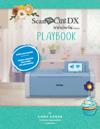
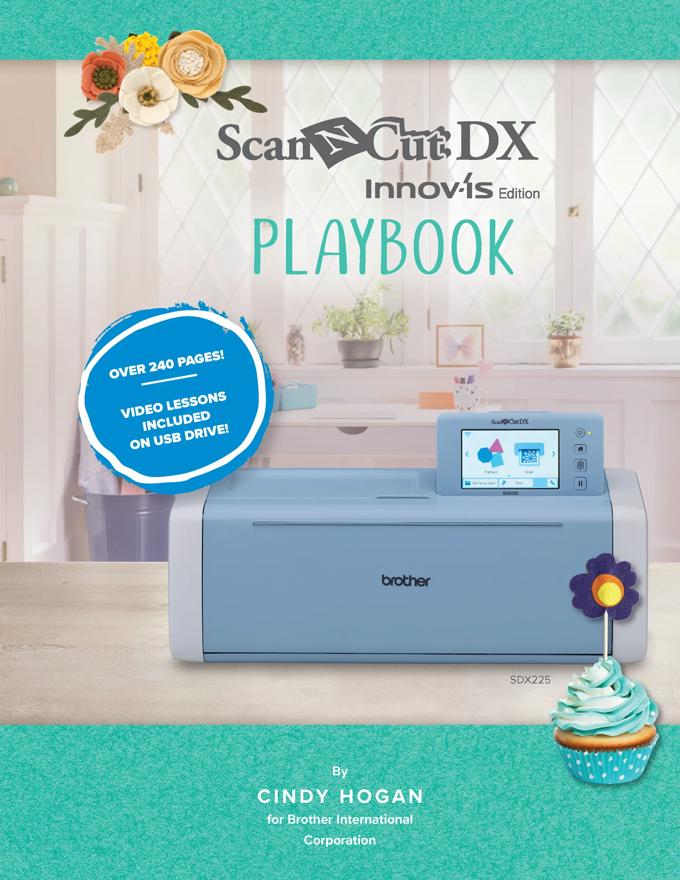
Brother CADXPLAYBOOK1 ScanNCut DX Innov-ís Edition Playbook
Over 240 color pages with high-resolution images and step-by-step instructions
Featuring the SDX225 Innov-ís Edition but compatible with all ScanNCut DX models‡
Learn how to use your embroidery machine with the ScanNCut DX Innov-ís Edition
Main Features
Contains-
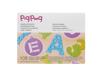
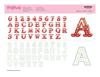
1 book, pigpong Lettering Collection 1 and videos on USB flash drive plus bonus PDF projects!
9 Video Tutorials-
that walk you through color coding PES files in PE-DESIGN software, cutting color coded PES files, using a PES file for cutting heat-transfer vinyl, reverse layering with vinyl, working in My Design Center on the Luminaire Series, Scan to Direct Cut feature, Scan to Cut Data feature, and making the vinyl charger project.
Learn How to Make These Projects-
Felt Cake Topper, Cork Coasters, Welcome Friends Cutting Board and Charger Set, Quilted Pitcher Wrap, Appliqué Table Runner, Appliqué Burlap Favor Bag, and Tea Time Paper Banner.
Unique Design Files-
USB flash drive includes cork coaster FCM file, 5 PES files, and 2 printable clip art sheets for scanning.
Even More Instructions-
a glossary of most used buttons as well as additional scanning options section are also included on the USB flash drive.
USB Flash Drive Included-
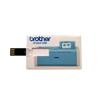
To use the USB flash drive included, first, remove it from the clear pouch from the inside front cover. To use it, flip open the USB pin of the credit card drive so that the port is visible as shown in the photo. The hinge portion of the card is located where you see the cut-out slot in the card. Open the card by putting pressure only on the hinge. Insert the pin into your USB drive on your computer or cutting machine.