


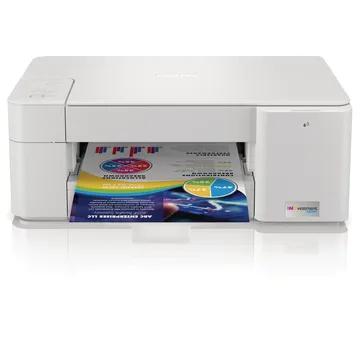
MFCJ1205WXL
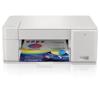
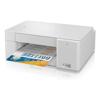
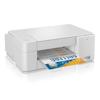
Brother MFC-J1205W XL Wireless INKvestment Color Inkjet Multi-Function Printer
$199.99
No ink replacement needed for up to 2-years‡
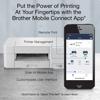
Brother Mobile Connect‡ App puts the power of printing at your fingertips
Wireless,‡ Wireless Direct and USB connectivity
Main Features
INKvest in a printer you won’t want to replace with up to 2-years of ink in-box.‡
With the Brother MFC-J1205W XL you get up to twice the ink so you can print more for up to 2-years using only the 4 cartridges provided in-box.‡
The Brother Mobile Connect‡ App puts the power of printing at your fingertips.
Go mobile with the simple to use Brother Mobile Connect App that delivers easy onscreen menu navigation for printing, copying, scanning and device management from your mobile device.
Compact design fits in nearly any workspace.
Its compact, desktop footprint makes the INKvestment multi-function color inkjet printer a welcome addition to any home or home office space.
Brother INKvestment ink cartridges.
Easy-to-use INKvestment ink cartridges hold more ink than traditional cartridges to continually supply ink to the internal reservoir, so you get more pages without needing to refill. When refilling is needed, simply take out the empty cartridge, plug-in a replacement and get back to printing with no waiting and no mess.
Connect your way.
Choose from versatile connection options including built-in wireless,‡ Wi-Fi Direct® or connect locally to a single computer via USB interface. Works with Amazon Alexa; add voice control by combining with an Alexa device.
Page Gauge‡ empowers you to print with confidence.
Eliminate the guesswork of ink replacement when you use the Brother Mobile Connect‡ App to access Page Gauge,‡ so you know the amount of ink you’ve used and the amount of ink you have remaining.
Specifications
Detailed technical specs to help you understand performance, compatibility, and requirements.