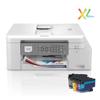
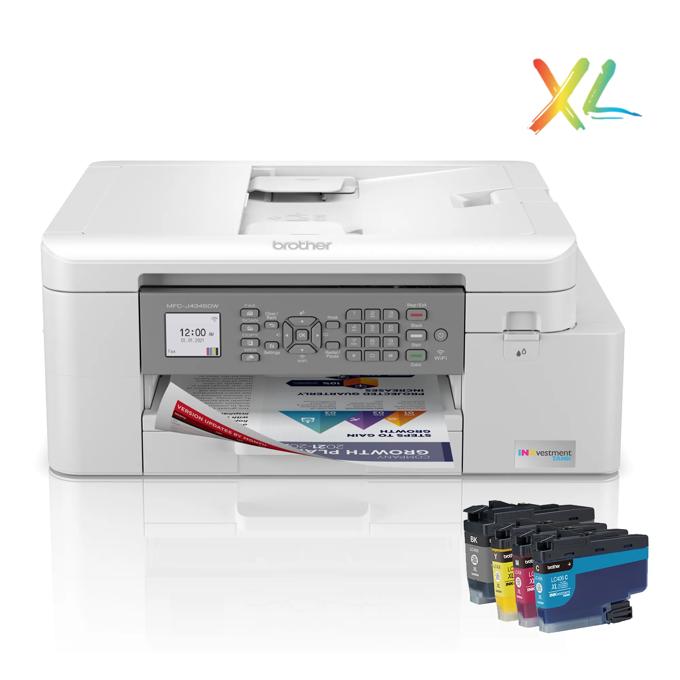
| 2 Years of Ink in-box‡ | Based on average monthly print volumes of approximately 300 pages at 60% black pages/40% color pages in accordance with ISO/IEC 24711 using 4 cartridges provided in-box. For additional page yield information, see www.brother.com/pageyield. |
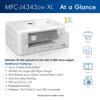
| 5,400 more pages‡ | Based on total in box yields of approximately 7,200 pages with the MFC-J4345DW XL as compared to 1,800 with the MFC-J4335DW, at 60% black pages/40% color pages in accordance with ISO/IEC 24711 using 4 cartridges provided in-box. For additional page yield information, see www.brother.com/pageyield |
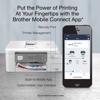
| Brother Mobile Connect Application‡ | Requires connection to a wireless network. Brother Mobile Connect free app download is not available in all countries. |
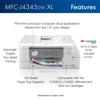
| Auto Document Feeder Capacity (max. pages)‡ / Standard Input Paper Capacity (sheets)‡ / Output Capacity‡ | Maximum capacity based on using 20 lb. paper. |
| Cloud Services‡ | Requires an Internet connection and an account with desired service. All referenced trademarks and registered trademarks are the property of their respective companies. Google Drive is a trademark of Google LLC. EVERNOTE is a trademark of Evernote Corporation and used under a license. |
| Page Gauge‡ | Page Gauge is an estimate for informational purposes only. For actual cartridge yield information refer to www.brother.com/pageyield. |
| Wireless‡ | Requires connection to a wireless network. |
| Amazon Alexa | Amazon Alexa and all related marks are trademarks of Amazon.com, Inc. or its affiliates. |
| Replacement Cartridges‡ | Approximate page yields in accordance with ISO/IEC 24711. LC406BK page yield is approx. 3,000 pages; LC406 C/M/Y page yield is approx. 1,500 pages per cartridge. LC406XLBK page yield is approx. 6,000 pages; LC406XL C/M/Y is approx. 5,000 pages per cartridge. For additional page yield information, see www.brother.com/pageyield. |
| "Scan to" Feature / Cloud Services‡ | Cloud services (Web Connect) requires an Internet connection and an account with desired service. |
| Broadcasting (# of locations) / PC Fax Capability‡ | Black and white only. PC-Fax send only for Mac® users. |
| ISO-based Copy Speed (BK & CL)‡ | Copy speed using ADF. Based on ISO/IEC 24735. For inkjet copy speed methodology, please visit www.brother -usa.com |
| Print Resolution‡ / Copy Resolution‡ / Scan Resolution (maximum)‡ | Resolutions are listed vertical by horizontal dpi. |
| Maximum Monthly Duty Cycle‡ | Maximum number of printed pages per month and can be used to compare designed durability between like Brother products. For maximum printer life, it is best to choose a printer with a duty cycle that far exceeds your print requirements. |
| Mobile Device Compatibility‡ | Requires connection to a wireless network. AirPrint is a registered trademark of Apple Inc. Mopria™ is a registered and/or unregistered trademark of Mopria Alliance, Inc. in the United States and other countries. Unauthorized use is strictly prohibited. Wi-Fi Direct® is a trademark of Wi-Fi Alliance®. |
| Recommended Monthly Print Volume‡ | The recommended range of monthly printed pages to achieve the best possible performance and printer life. Printers are intended to handle occasional usage beyond this range with little or no effect. Consistently printing above the recommended print volume, however, may adversely affect the print quality or life of the machine. It is always best to choose a printer with an appropriate recommended print volume to allow for any anticipated increase in printing needs. |
| Borderless Printing‡ | Borderless printing is available for Letter, 4"x6", 5"x8", 5"x7", A4, and A6, paper sizes. Borderless not available with duplex printing. Minimum default margins when not printing borderless is 0.12 inches. |
| Brother Cloud Apps‡ | Requires an Internet connection |
| Fax Page Memory (max. pages)‡ | Black and white only. Based on ITU-test 1 Chart No.1 at standard resolution with MMR compression. |
| Printer Driver Compatibility‡ / Operating System Compatibility‡ | See system requirements chart for additional information. To download drivers and for complete OS compatibility, visit support.brother.com. All trademarks and registered trademarks herein are the property of their respective companies. |
| Duplex Printing‡ | Up to Letter Paper Size (8.5" x 11") |
| Scan Speed (maximum)‡ | Color and monochrome scan speed with all advanced features turned off, Letter at 300dpi. |