
DS740D
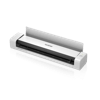
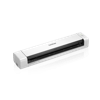
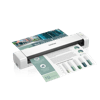
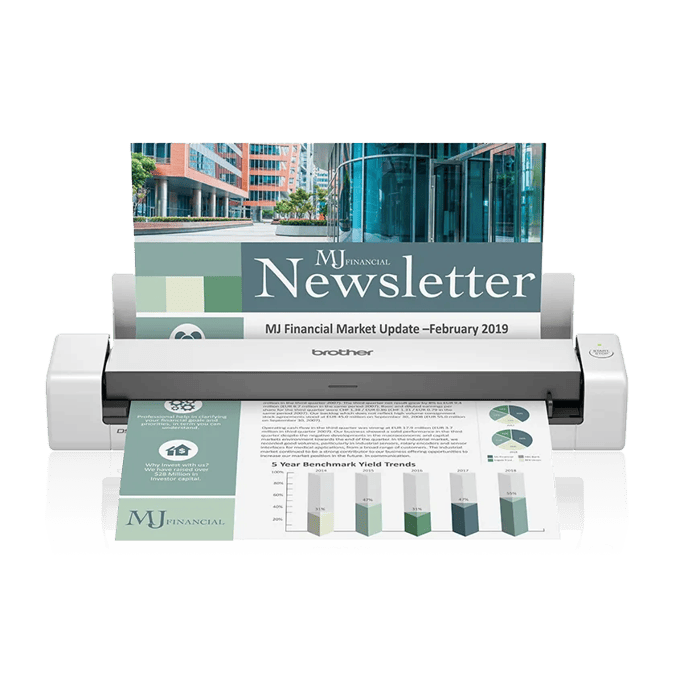
Brother DS-740D Duplex Compact Portable Document Scanner
$169.99
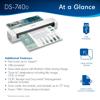
Ultra-compact and portable
Fast scan speeds up to 16ppm‡
Space-saving design with vertical paper path
Main Features
Time-saving, fast scan speeds.
The Brother DS-740D document scanner scans single and double-sided, color and black and white documents in a single pass at up to 16 ppm.‡
On-the-go scanning.
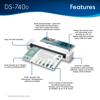
Powering the Brother DS-740D document scanner through a micro USB 3.0 connection to a laptop or PC enables scanning from virtually anywhere and makes the DS-740D highly portable for mobile professionals.
Save desk space.
Open the DSD (Desk Saving Design) scan lid on the Brother document scanner to reduce the space needed to operate the scanner. The Brother DSD saves up to 11 inches of desk space.‡
Compatible with the way you work.
The included software allows you to scan to multiple “Scan-to” destinations including File, Image, OCR, Email, and cloud services to keep your business moving.‡ Supports Windows, Mac® and Linux® environments and TWAIN/WIA for PC/ICA for Mac/SANE drivers.‡
Software lets you do more.
The included software provides document management and OCR software that allows you to turn your hardcopy documents into editable Microsoft Word files.‡
Optimize images and text for storage and classification.
The software lets you enhance scans with automatic color detection/adjustment, image rotation (PC only), bleed through prevention, background removal, text enhancement and color drop.‡
Specifications
Detailed technical specs to help you understand performance, compatibility, and requirements.