
Creating Sweet Owls and Transforming JPegs in ScanNCutCanvas
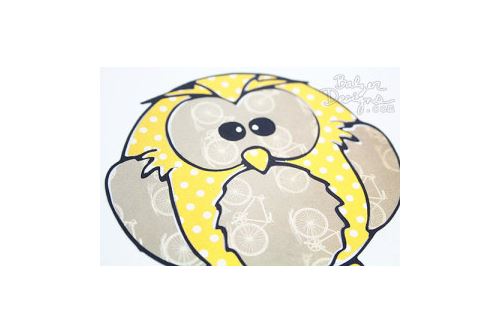
Today I want to share a video that shows how easy it is to transform a .jpg into an .fcm file (the file that the ScanNCut cuts) in ScanNCut Canvas. I even show you how easy it is to edit an image in ScanNCut Canvas and remove unwanted parts!
Here's a peek at the owl from the video:
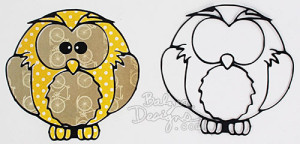
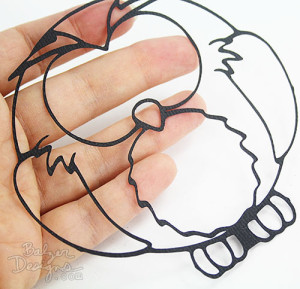
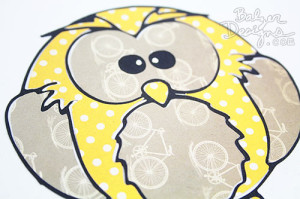
I hope you found this video helpful! See you next week!
Related Projects
Create Modern Art Inspired Foam and Felt Coasters
Friday, January 16, 2015 7:29 AM
Home Decor Crafts EntertainingUsing Cork Fabric with ScanNCut
Friday, February 16, 2018 11:19 AM
Crafts Fabric Crafting Home Decor Entertaining Holiday Gifts Jewelry and AccessoriesMaking Monograms with ScanNCut
Tuesday, June 26, 2018 5:00 AM
Crafts Fabric Crafting Gifts Paper Crafting Home DecorThank you.
You'll start getting all the latest news and special offers from Brother
Brother Support
- Product Support
- Product Support Assistant
- Terms of Sale
- Product-Registration
- Search Supplies/Accessories
- Ordering & Shipping Information
- Ordering & Account FAQs
- View Order Status
- Warranty & Extended Warranty Information
- Recall Information
- Return Policy
- Scam Protection Notice
- Security Support Information
- Contact Brother
Corporate Information
Partnership Opportunities
About This Website