Your session has timed out. Please log in again
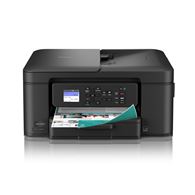
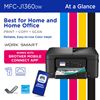
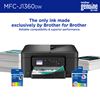
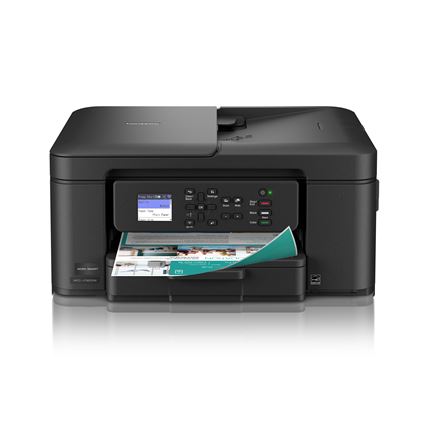
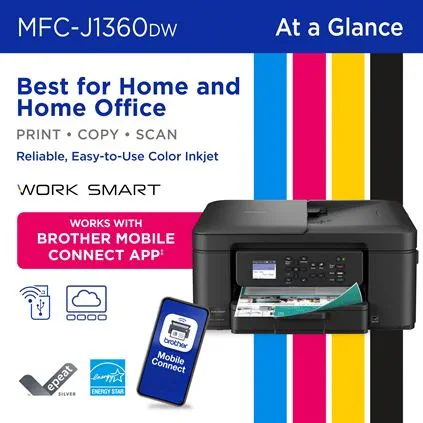
Looking for reliable printing with robust efficiency-boosting features? The Brother Work Smart 1360 Wireless Color Inkjet All-in-One Printer delivers. With versatile tools like automatic duplex (2-sided) printing, a 20-page single-sided automatic document feeder‡, and wireless‡ and Cloud connectivity‡ options available on the 1.8” color display, this multifunction printer makes getting your work done simple. Perfect for printing anything you need, from to-do lists to business reports, this color inkjet printer outputs vibrant colors and bold, rich blacks at fast print speeds, and Page Gauge‡ monitors your ink usage so you know when you’re running low. When paired with the Brother Mobile Connect app‡, setup is quick and easy – plus, you can print from virtually anywhere on your mobile device‡.
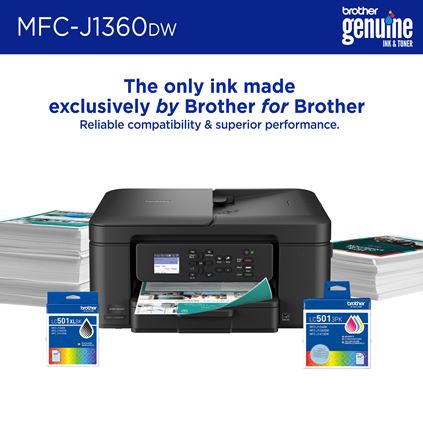
Print Confidently with Brother Genuine LC501 Ink in your Work Smart 1360 for reliable, consistent prints –the only brand we recommend for your Brother printer.
Main Features
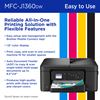
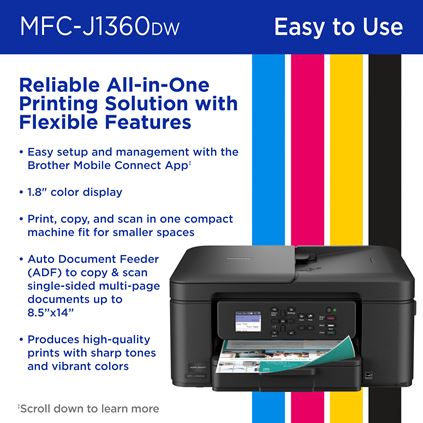
- All-in-One Printer. Get all your work done with a multifunction printer. Print, copy, and scan on one convenient, compact printer, with quick and easy setup.
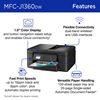
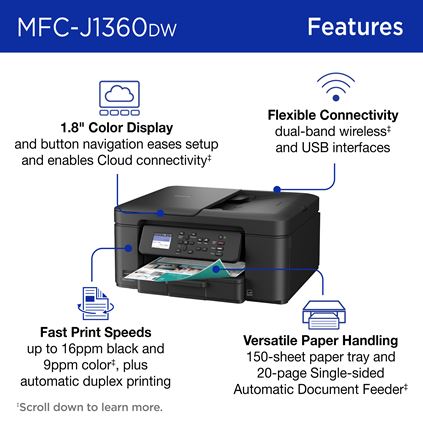
- Easy to Use with Cloud App Connections. Print from and scan to popular Cloud apps‡, including Google Drive™, Dropbox, Box, OneDrive, and more from the simple to use 1.8” color display on your printer.
- Productivity-Focused Printing Features. This printer includes automatic duplex (2-sided) printing, a 20-sheet single-sided Automatic Document Feeder (ADF)‡, and a 150-sheet paper tray‡.
- Multiple Connection Options. Connect your way. Interface with your printer on your wireless network‡ or via USB.
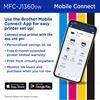
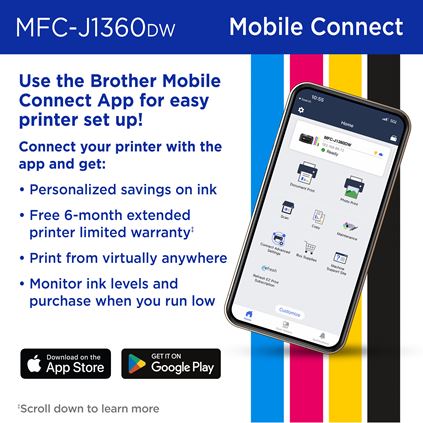
- The Brother Mobile Connect app. Put the power of printing at your fingertips. Go mobile with the simple-to-use Brother Mobile Connect app‡ that delivers easy onscreen menu navigation for printing, copying, scanning, and device management from your mobile device.
- Fast Print Speeds. Efficiency is the name of the game. Engineered to print at fast speeds of up to 16 pages per minute (ppm) in black and up to 9 ppm in color‡.
- Reliable Print Quality. Crisp, clear printing. Brother inkjet printers produce beautiful prints in vibrant color or rich black & white for results you can be proud of.
- Page Gauge. Monitor your ink usage to help ensure you don’t run out‡.
- Customer Support. For customer service, visit us at www.brother-usa.com/support
- Brother Genuine Ink. Reliable performance you can count on. We engineer our ink cartridges to work seamlessly with your Brother printer. Choose Brother Genuine LC501 Ink, the only brand we recommend for use with your printer.
| Brother Cloud Apps‡ | Scan to Searchable PDF, Scan to Mobile, Scan to Word, Scan To PowerPoint, Scan To Excel, Cloud Secure Print, Easy Scan to E-mail |
|---|---|
| Mobile Device Compatibility‡ | AirPrint®, Brother Mobile Connect, Mopria®, Wi-Fi Direct® |
| One-Push Wireless Setup | Wi-Fi Protected Setup™ |
| Operating Systems Compatibility‡ | Compatible with Windows, Mac®, Linux, and Chrome OS. Visit support.brother.com for the latest OS compatibility and to download your machine’s drivers and software. |
| Standard Interface(s) | Dual Band Wireless: 802.11 b/g/n (2.4GHz), 802.11 a/n (5GHz), Hi-Speed USB 2.0 |
| Standard Network Features‡ | Printing, Scanning |
| Supported Network Protocols (IPv4) | APIPA (Auto IP), SNMPv1/v2c, TFTP Server, ARP, BOOTP, Custom Raw Port/Port 9100, DHCP, DNS Resolver, HTTP Server, ICMP, IPP, LLMNR Responder, LPR/LPD, mDNS, RARP, SNTP Client, Web Services (Print/Scan), WINS/NetBIOS Name Resolution |
| Supported Network Protocols (IPv6) | IPP, HTTP Server, TFTP Server, NDP, RA, DNS Resolver, mDNS, LLMNR Responder, LPR/LPD, Custom Raw Port/Port 9100, SNMPv1/v2c, ICMPv6, SNTP Client, Web Services (Print/Scan) |
| Wi-Fi Certified | Yes |
| Black Copy Speed (max. ppm) | 17 |
|---|---|
| Color Copy Speed (max. ppm) | 7 |
| Duplex Copying | No |
| Sorting Function | Yes |
| Carton Dimensions (W" x D" x H") | 10.236 " x 18.228 " x 17.953 " |
|---|---|
| Carton Weight (lbs) | 20.106 |
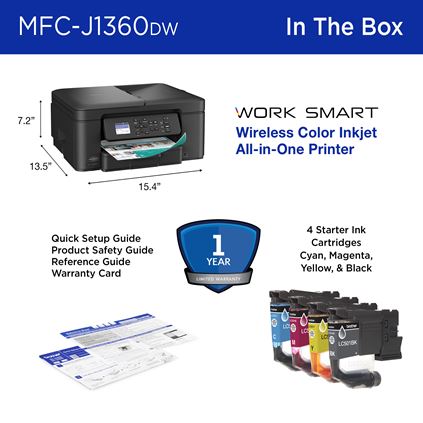
| Unit Dimensions (W" x D" x H") | 15.4" x 13.5" x 7.2" |
| Unit Weight (lbs) | 16.8 |
| LCD Display | 1.8" Color Display |
|---|---|
| Maximum Monthly Duty Cycle‡ | Up to 2,000 pages |
| Recommended Monthly Print Volume‡ | 50 to 1,000 pages |
| Standard Memory (MB) | 256 |
| Automatic Document Feeder Capacity (max. pages‡) | 20 |
|---|---|
| Duplex Printing Capability | Yes |
| Output Paper Capacity (sheets) | 50 |
| Paper Handling Size – Duplex Printing | Letter, Executive, A4, A5 |
| Sheet Weight - ADF (Min/Max) | 17-24 lbs. |
| Standard Paper Input Capacity‡ (sheets) | 150 |
| Automatic Duplex Printing | Yes |
|---|---|
| Black Print Speed ‡ (max. ppm) | 16 |
| Cloud Services‡ (Print) | SharePoint Online, Box/Box for Business, OneNote, Google Drive™/Google Drive for Business, Evernote®/Evernote Business, OneDrive/OneDrive for Business, Dropbox/Dropbox for Business |
| Color Print Speed ‡ (max. ppm) | 9 |
| Advanced Scanning Features | Background Color Removal, ADF Auto Deskew, Blank Page Skip |
|---|---|
| Cloud Services‡ | SharePoint Online, Box/Box for Business, OneNote, Google Drive™/Google Drive for Business, Evernote®/Evernote Business, OneDrive/OneDrive for Business, Dropbox/Dropbox for Business |
| Duplex Scanning | No |
| Optical Scan Resolution (max. dpi) | 1200 x 2400 dpi (flatbed), 1200 x 600 dpi (ADF) |
| "Scan To" Feature‡ | Easy Scan to Email, PC (File, Email, Image, OCR), Cloud Services (Web Connect)‡ |
| Security Functions | Enterprise Security (802.1x), IP Filter, TLS/SSL |
|---|---|
| Security Protocols (Wireless) | 802.1x (EAP-FAST, PEAP, EAP-TLS, EAP-TTLS) |
| Wireless Network Security | WPA2-PSK (TKIP/AES), WPA3-SAE (AES), WEP 64/128 bit, WPA/PSK (TKIP/AES) |
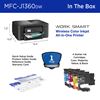
| Carton Contents‡ | Brother MFC-J1360DW, Starter Black Ink Cartridge (200 pages)‡, Starter Cyan, Magenta, Yellow Ink Cartridges (200 pages)‡, AC Power Cord, Product Safety Guide, Reference Guide, Warranty Card, Quick Setup Guide |
|---|---|
| Warranty | 1 Year Limited |
| Brother Mobile Connect‡ | Free app download & wireless connection required. Compatibility may vary by device and operating system. |
| Carton Contents‡ | Approx. ink cartridge yield in accordance with ISO/IEC 24711 (letter/A4). |
| Cloud Services‡ | Requires an Internet connection and an account with desired service. All referenced trademarks and registered trademarks are the property of their respective companies. Android and Google Drive are trademarks of Google LLC. EVERNOTE is a trademark of Evernote Corporation and used under a license. |
| First Page Out Time‡ (max. sec.) | From Ready Mode and standard tray. |
| Images | Images are for illustrative purposes only. |
| Interpolated Scan Resolution‡ (max. dpi) | Windows only. |
| Maximum Monthly Duty Cycle‡ | Maximum number of printed pages per month and can be used to compare designed durability between like Brother products. For maximum printer life, it is best to choose a printer with a duty cycle that far exceeds your print requirements. |
| Mobile Device Compatibility‡ | Requires connection to a wireless network. Brother Mobile Connect free app download is not available in all countries. AirPrint is a registered trademark of Apple Inc. MopriaTM is a registered trademark or service mark of Mopria Alliance, Inc. in the United States and other countries. Unauthorized use is strictly prohibited. Wi-Fi Direct is a registered trademark of Wi-Fi Alliance®. |
| Operating Systems Compatibility‡ / Printer Driver Compatibility‡ | For the latest OS compatibility and to download drivers visit support.brother.com. Printing via macOS requires the use of AirPrint. Mac printer drivers are not provided. |
| Page Gauge‡ | Page Gauge is an estimate for informational purposes only. For actual cartridge yield information refer to go.brother/pageyield. |
| Print from virtually anywhere‡ | Free Brother Mobile Connect App download, wireless connection and connection of an eligible printer with Brother are required. Compatibility may vary by device, operating system and country. |
| Print Speed‡ | Based on ISO/IEC 24734 (after first set of ISO test pages). For inkjet print speed methodology, please visit www.brother-usa.com/printspeed. |
| Recommended Monthly Print Volume‡ | The recommended range of monthly printed pages to achieve the best possible performance and printer life. Printers are intended to handle occasional usage beyond this range with little or no effect. Consistently printing above the recommended print volume, however, may adversely affect the print quality or life of the machine. It is always best to choose a printer with an appropriate recommended print volume to allow for any anticipated increase in printing needs. |
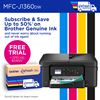
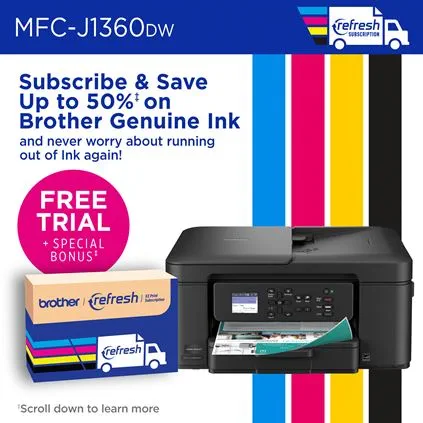
| Refresh EZ Print Subscription‡ |
Save up to 50%: Based on monthly subscription cost in U.S. for Mono Laser Power Plan vs. average cost per page of eligible like standard capacity cartridges. Savings will vary based on Refresh EZ Print Subscription plan selected.
Free Trial: Requires enrollment in a monthly billed Brother Refresh EZ Print Subscription service plan based on monthly printed page allotments. Unused pages roll over, limitations apply. Additional page set charges and taxes apply during trial. Plan, options offer and pricing subject to change. Open to new subscribers located in the contiguous United States only. After the free trial period your credit card will be charged on a monthly basis for the Plan Fee, Taxes and Additional Page Sets (if applicable) in accordance with the Terms of Service. Your service will continue on a month-to-month basis until you cancel it. May be canceled at any time. If your printer did not come with a refresh ready cartridge, upon cancellation the subscription cartridge will be deactivated and must be replaced at users’ expense in order to continue printing. For full details or to enroll, visit https://www.brother-usa.com/supplies/subscription-info. Bonus Offer: Bonus offer provides 1000 print pages at no charge. Bonus print pages may be used over the course of free trial. Bonus pages do not roll over free trial has ended. Enrollment in a Brother Refresh EZ Print Subscription Service plan within 7 days of powering-on your Brother printer/all-in-one is required to receive bonus offer. |
| Scan Speeds (maximum)‡ | Scan speed based on ISO/IEC 17991. |
| "Scan To" Feature‡ | Scan to mobile devices requires a connection to a wireless network. |
| Standard Input Paper Capacity (sheets)‡ / Output Paper Capacity (sheets) / Automatic Document Feeder Capacity (max. pages‡) | Maximum Capacity based on using 20lb. paper. |
| Wireless‡ | Requires connection to a wireless network. |
| Wireless Network Security | Wi-Fi Direct supports WPA2-PSK (AES) only. |
*Prices May Vary **If free shipping is indicated above: free ground shipping on orders over $49.99 within the contiguous U.S. See Shipping Policy for details and conditions.