




Mopria Print and Mopria Scan: Printing and Scanning with Brother Printers and All-in-Ones
Mopria® is a printing standard enabling printing to and scanning from Mopria certified devices using computers, mobile devices, and a range of printer brands including Brother Printers and All-in-Ones.

What is Mopria Print?
Mopria Print enhances the print functionality on any Android or Windows device. With this service, you can connect and print to any Brother Mopria certified printer without additional set-up.
Mopria Print lets users customize color, number of copies, duplex, paper size, page range, media type, and orientation, as well as workplace features like user authentication, and pin printing capabilities.
What is Mopria Scan?
Mopria Scan is a universal scan standard offering a seamless way to scan from Brother Mopria certified scanners and multi-function printers. It eliminates the need to install any additional software or drivers and offers easy access to your scanned pages for viewing on your Android or Windows devices or routing to email, cloud storage, or other applications.
Download the Mopria Print Service app or the Mopria Scan app here.

See the latest list of Mopria certified printers.

Why Mopria is Important in a Wireless World
As today’s workforce becomes increasingly connected through both mobile and non-mobile devices, the modern workplace extends far beyond the traditional cubicle. With more documents now created and shared electronically, printers and scanners remain an essential part of the office experience. Still, users may face barriers such as complicated app installation, driver setup, or device connection.
Mopria helps remove those barriers by enabling a simpler printing and scanning experience across Android™, ChromeOS™, and Microsoft® Windows® operating systems to and from Mopria certified printers, scanners, and multifunction printers. Brother recognizes the importance of reliable, standards-based printing solutions and demonstrates that commitment through its active membership in the Mopria® Alliance.

What Can You Do With Mopria?
You can easily print photos, emails, and documents from select mobile devices using the Mopria Print Service to a compatible Brother machine over a wireless network. Mopria certification ensures the ability to connect and pass information using the Mopria Print Service between a mobile device and a printer resulting in a quality print.
Mopria Scan helps you to scan photos and documents to your mobile device. Resolution and quality settings give you control. Many sizes supported, including custom sizes for special paper, books, magazines, or other media.

How Do I Use Mopria Print?
- Download the Mopria application.
- Find a document or photo you want to print.
- When your phone or tablet discovers your Brother printer, just tap “print”.
- Pick up your printout!
How Do I Use Mopria Scan?
- Download the Mopria application.
- In Mopria Scan, tap Attach, Open, or Add, and then tap Scan using Mopria.
- Tap your scanner.
- Select your scan settings and tap SCAN.
- Tap DONE to send the scan to the app.
You can also start a scan right from the Mopria Scan app itself. Simply tap the Scan application icon from your home screen or app drawer to start the application. You can choose where to send the scanned pages after the scan is complete.

Start Printing and Scanning
Mopria Print and Mopria Scan enhance the printing and scanning functionality on any Android or Windows device. With these services, you can connect and print to or scan from any Mopria certified printer without additional set-up. Connect to the same network as the printer or make a direct connection with Wi-Fi Direct®.
All of Brother’s wireless printers and All-in-Ones launched since 2015 are certified for use with Mopria Print Service, and many newer scanners and All-in-Ones are certified for use with the more recent Mopria Scan. Check the full list of certified Brother products here. With Mopria certification, once you have downloaded and installed the latest device firmware from the Brother Solutions Center, and downloaded the Mopria Print Service or Mopria Scan apps, you’ll be able to print or scan directly over a wireless network from a Mopria certified mobile device.
For answers to your most common questions about Mopria Print Service or Mopria Scan, see the Mopria Support FAQs.
For more information about the Mopria Alliance, visit the Mopria Alliance website.
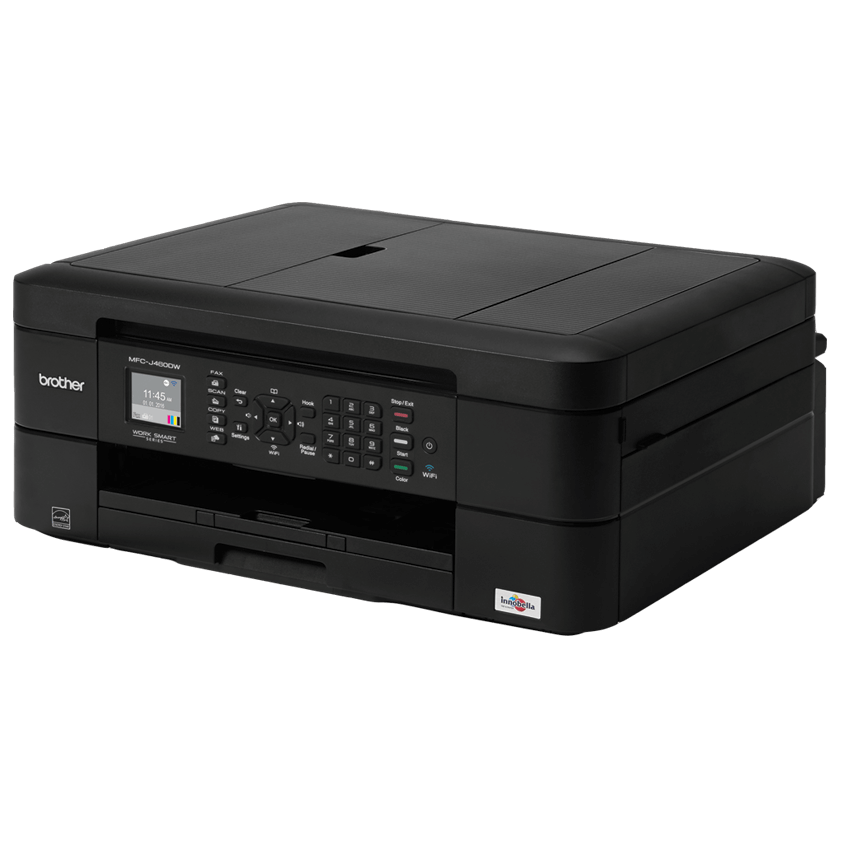
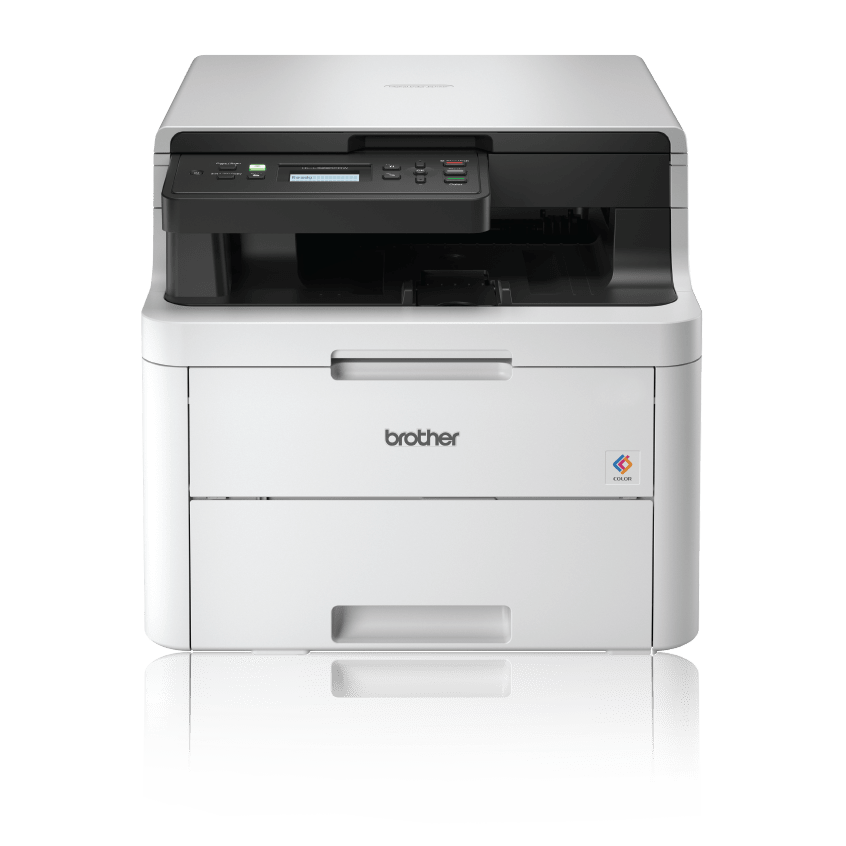
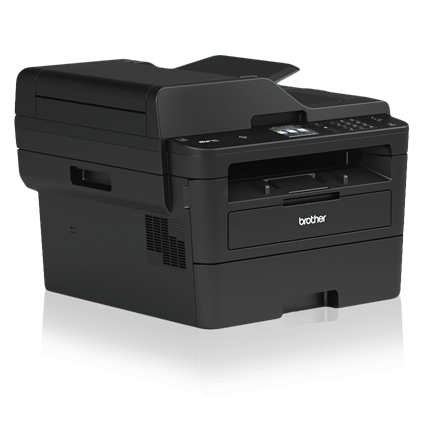
Compatible Models
Read More
Read More
Read More